Quick answer: App Store Server Notifications V2 is how Apple sends your server real-time events , refunds, renewals, CONSUMPTION_REQUEST, and more. Setting it up means standing up a secure public endpoint, configuring your production and sandbox notification URLs in App Store Connect, verifying Apple's signed payloads, and then reliably acting on each event. The configuration is quick; the reliability is the hard part, and it's ongoing. This guide covers what's involved and where it gets expensive.
What Server Notifications V2 are for
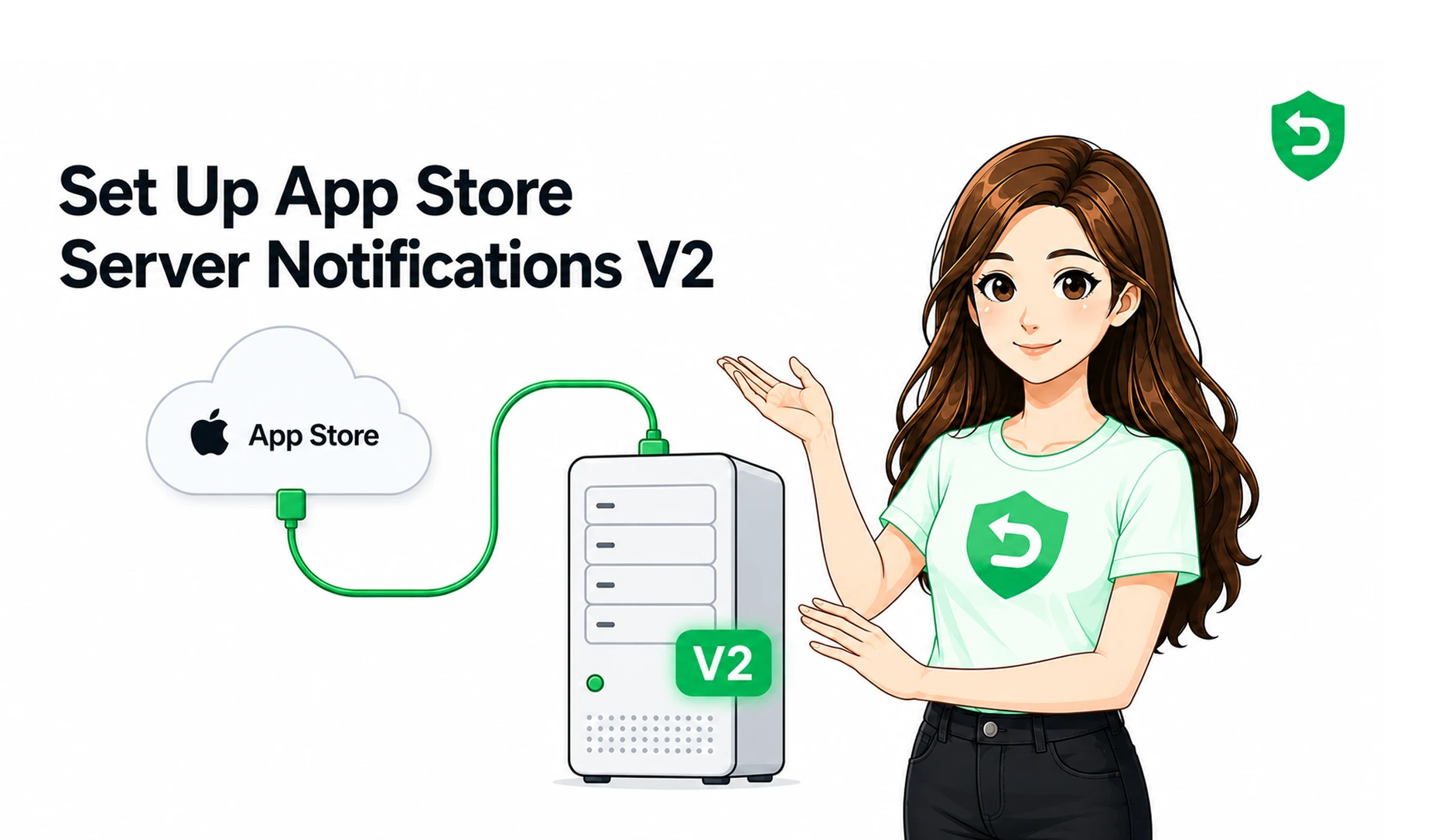
App Store Server Notifications are Apple's way of telling your backend that something happened to a transaction, in near real time, without you polling for it. V2 is the current version, delivering signed JWS payloads for a wide range of event types.
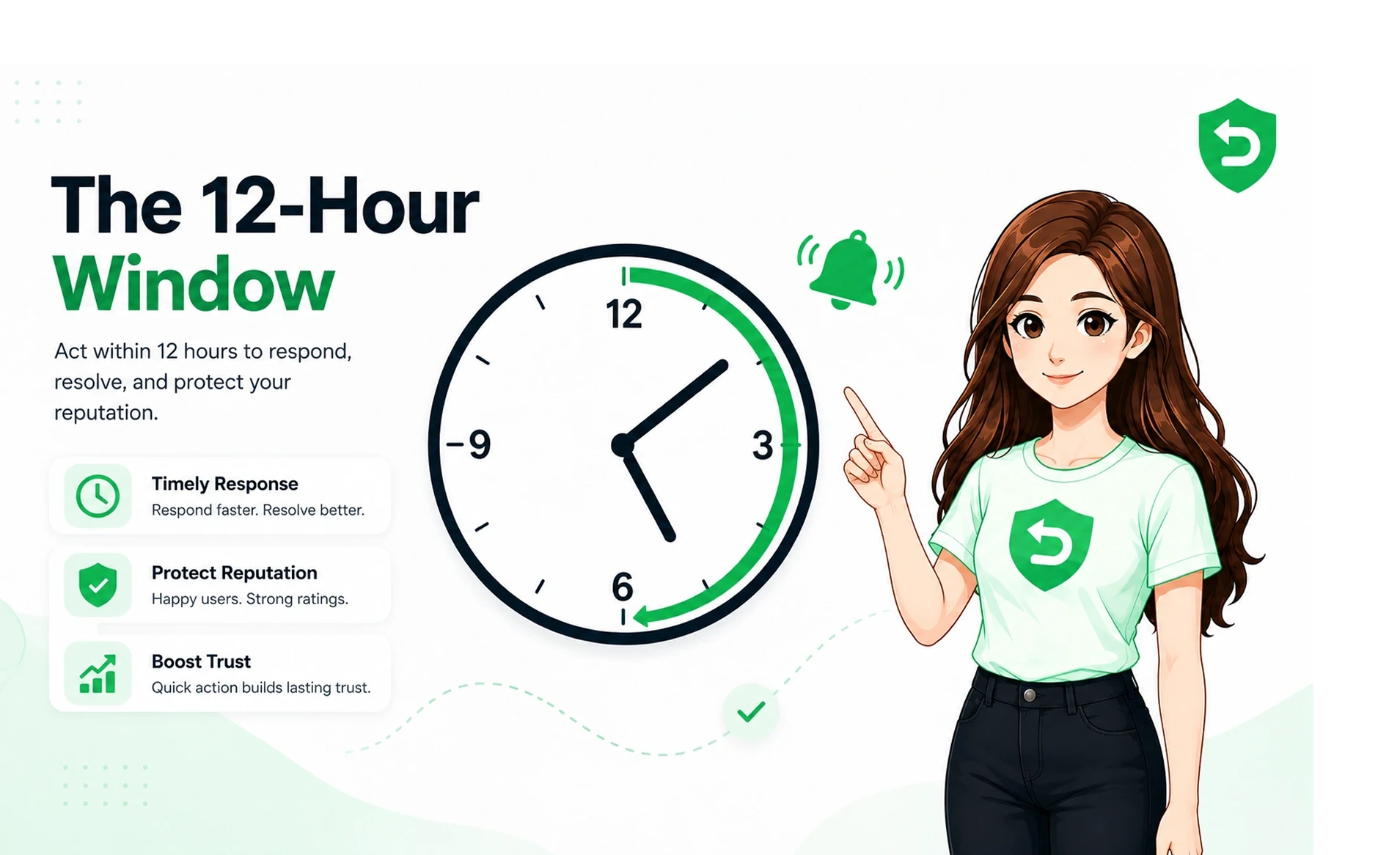
For refund automation specifically, this is the pipe that carries the CONSUMPTION_REQUEST the notification that starts the 12-hour clock to respond with consumption data. No notifications, no real-time refund response. So if you're automating refunds, this is the foundation everything else sits on. (For the full refund flow, see How to Automate Apple Refund Requests.)
What setup involves at a high level
Without turning this into a build manual, here's the shape of it:
A secure, public endpoint. Apple needs a URL it can reach over HTTPS to deliver notifications. That endpoint has to be always-on and able to handle Apple's traffic.
Configuration in App Store Connect. You point Apple at your endpoint for the right environments.
Signature verification. V2 payloads are signed. Your server has to verify that each notification genuinely came from Apple and wasn't tampered with, which means correctly handling Apple's certificate chain.
Event handling. Once verified, each notification type has to be parsed and acted on — a refund updates one thing, a CONSUMPTION_REQUEST triggers a timed response, a renewal something else.
On paper, an afternoon. In production, the last three points are where the real work lives.
The parts that trip developers up
A few recurring snags, so you know they're coming:
Forgetting the sandbox environment. Production and sandbox are configured separately. Set up only production and your testing goes silent, and you burn hours wondering why.
Getting signature verification subtly wrong. Accepting notifications without properly validating the signed payload is both a bug and a security hole. Doing it correctly, including certificate-chain validation, is fiddlier than it first appears.
Assuming delivery is guaranteed. Notifications can be delayed or missed. A robust setup reconciles against Apple's server APIs so a dropped notification doesn't become a silently missed refund.
Underestimating the clock. For CONSUMPTION_REQUEST, receiving the notification is only step one — you still have to gather accurate data and respond within ~12 hours, at any hour, automatically.
None of these are exotic. They're just the difference between "I received a test notification once" and "this reliably handles real refunds at 3am on a Sunday."
Why "set up" is not the same as "done"
Here's the honest part. Getting a notification to land in a test is the easy 20%. The other 80% is everything that keeps it working:
Handling retries and failures so no event is silently lost.
Reconciling missed notifications against the server API.
Keeping up with Apple's changes to payloads, signing, and notification types.
Monitoring, logging, and alerting so you actually know if it breaks.
Layering the refund logic on top — the timed consumption response, the consent attestation, the field mapping.
That's not a project you finish. It's infrastructure you now own and maintain indefinitely, for a workflow that has nothing to do with what your app actually does.
When to build it vs. when to skip it
Building your own Server Notifications pipeline can make sense if real-time transaction events are core to your product and you already run the backend expertise to keep it reliable.
For most teams especially indie developers and studios whose engineering time is better spent on the app it doesn't. The setup is a distraction and the maintenance is a tax. That's precisely the case a managed service is for.
RefundSensor sits on top of this entire layer. You paste one webhook URL into App Store Connect no SDK, no code changes, no app resubmission and the notification handling, signature verification, reconciliation, and the timed refund response all happen for you, for both Apple and Google Play, in one dashboard. You get the outcome of a well-built Server Notifications pipeline without building or maintaining one.
Official sources
Apple's setup and payload formats change, so treat its documentation as the final authority:
Skip the pipeline, keep the result. RefundSensor handles Server Notifications, signature verification, and the timed refund response for Apple and Google Play, one webhook URL, about 30 minutes, no code changes. Start free
Frequently asked questions
Apple's mechanism for sending your server near-real-time, signed notifications about transaction events, refunds, renewals, CONSUMPTION_REQUEST, and more, so you don't have to poll for changes.
Yes. The CONSUMPTION_REQUEST that starts Apple's refund-response window is delivered through Server Notifications. Without them, there's no real-time trigger to respond to.
Yes, and forgetting sandbox is one of the most common setup mistakes. It leaves your testing silent while production looks fine.
No. Server Notifications are configured in App Store Connect and handled on your backend. With RefundSensor you paste one webhook URL, no SDK or resubmission.
No. Reliable handling means signature verification, reconciliation for missed events, retries, monitoring, and keeping up with Apple's changes, the ongoing work that a test notification doesn't cover.